
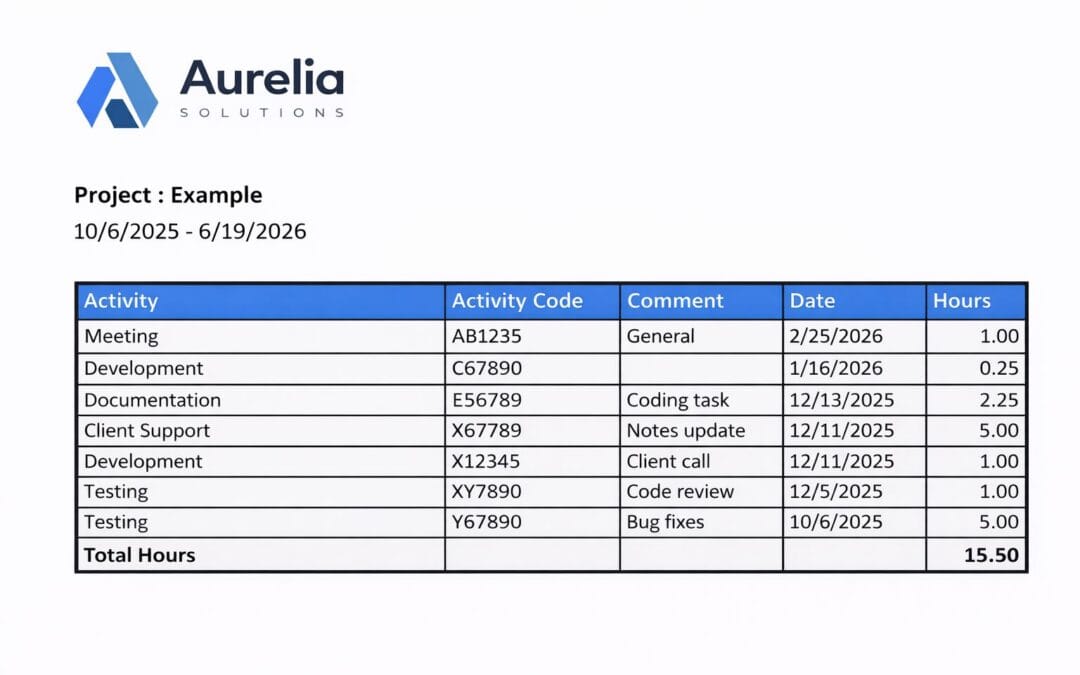
It is now possible to display your company logo in Project Hours reports for a more professional appearance. In addition, you can also customize the background color of report titles to match your company’s branding.
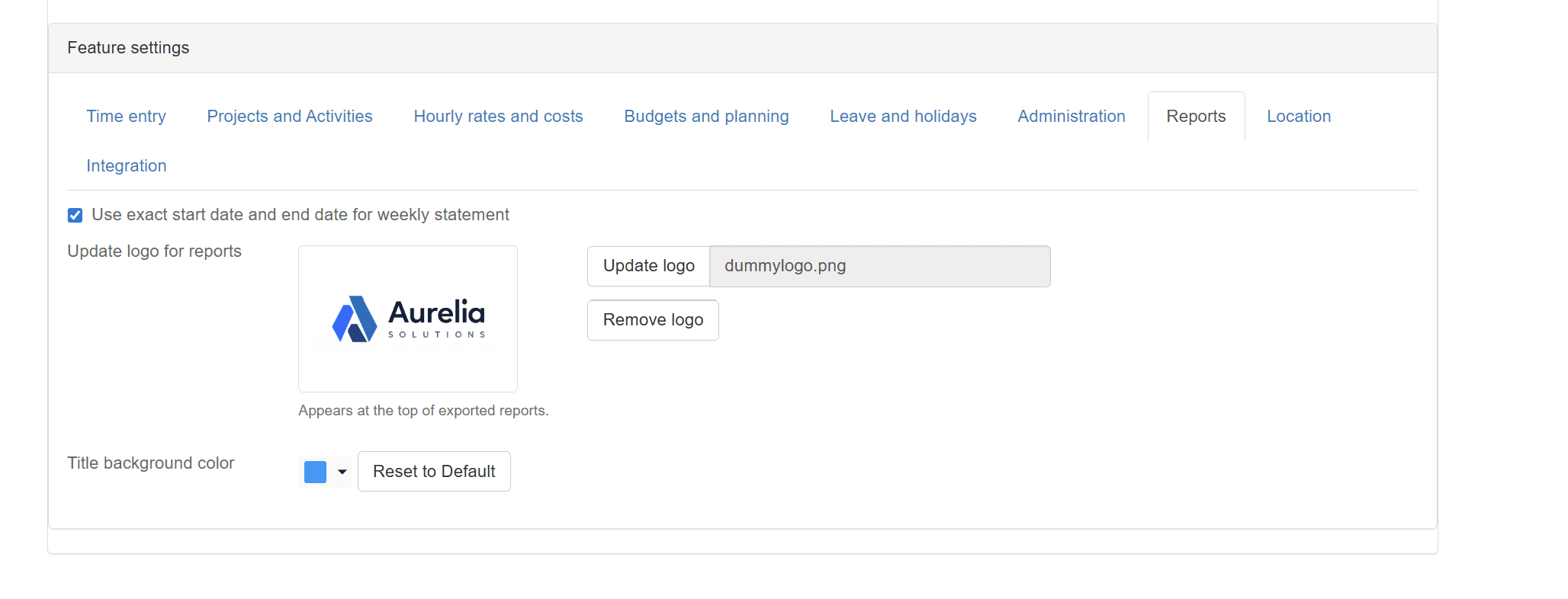
You can configure the logo and color as follows:
- Go to Administration → Settings
- Open the “Reports” tab
- Click “Update logo” and upload a logo file
- Click the background color icon to change the color.
Recent Comments